 Mockview
Device mockups in seconds.
Turn any screenshot or screen recording into a polished mockup, ready to share.
Everything a mockup needs.
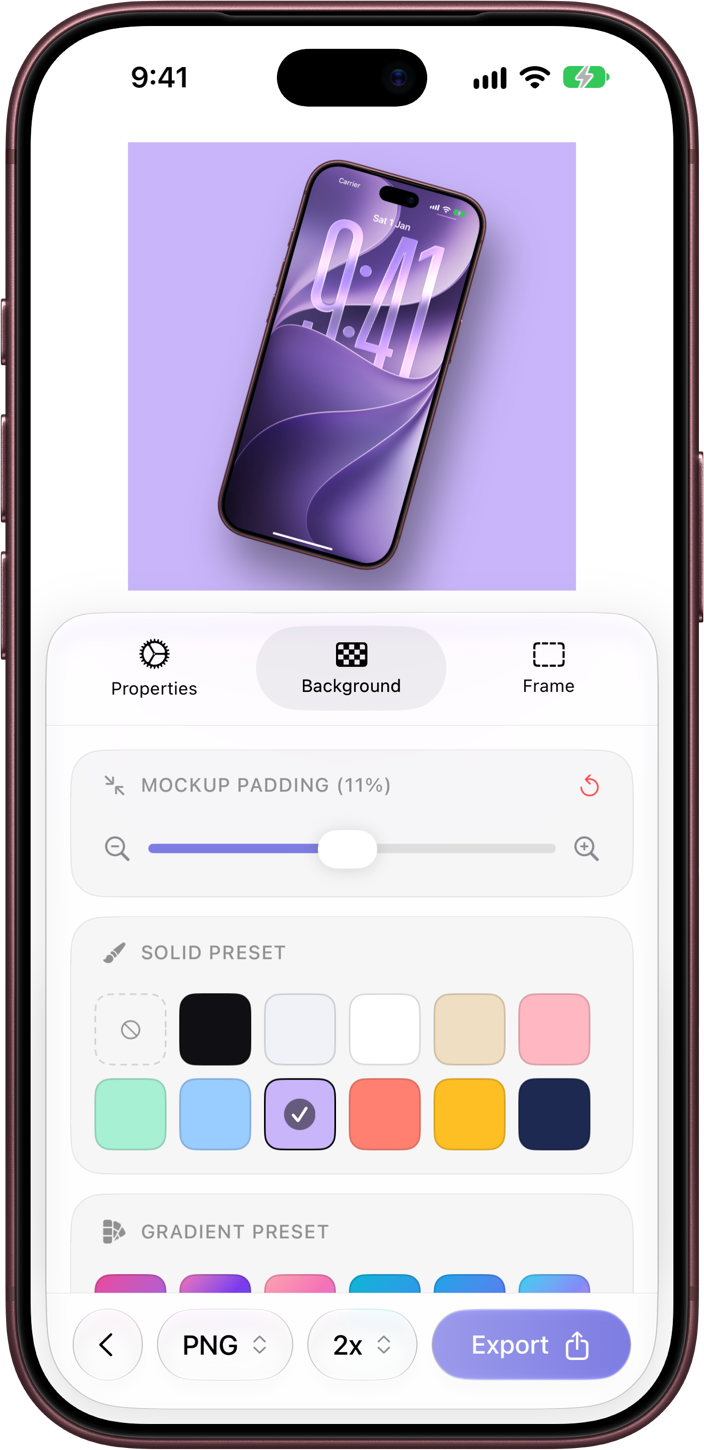
Image and video mockups
Start from any screenshot or screen recording. Mockview frames it instantly, ready to export as an image or video.
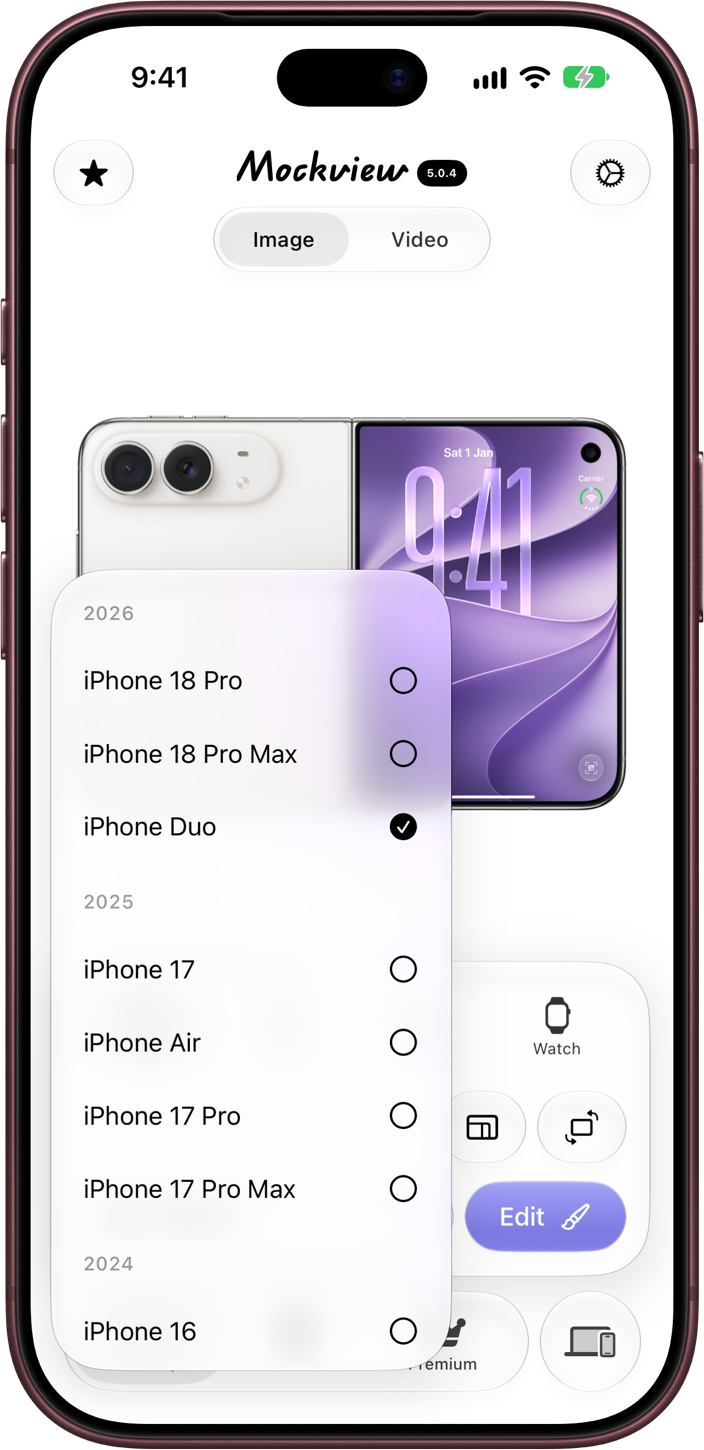
Every Apple device
iPhone, iPad, Mac and Apple Watch frames, so every screen you ship looks at home.
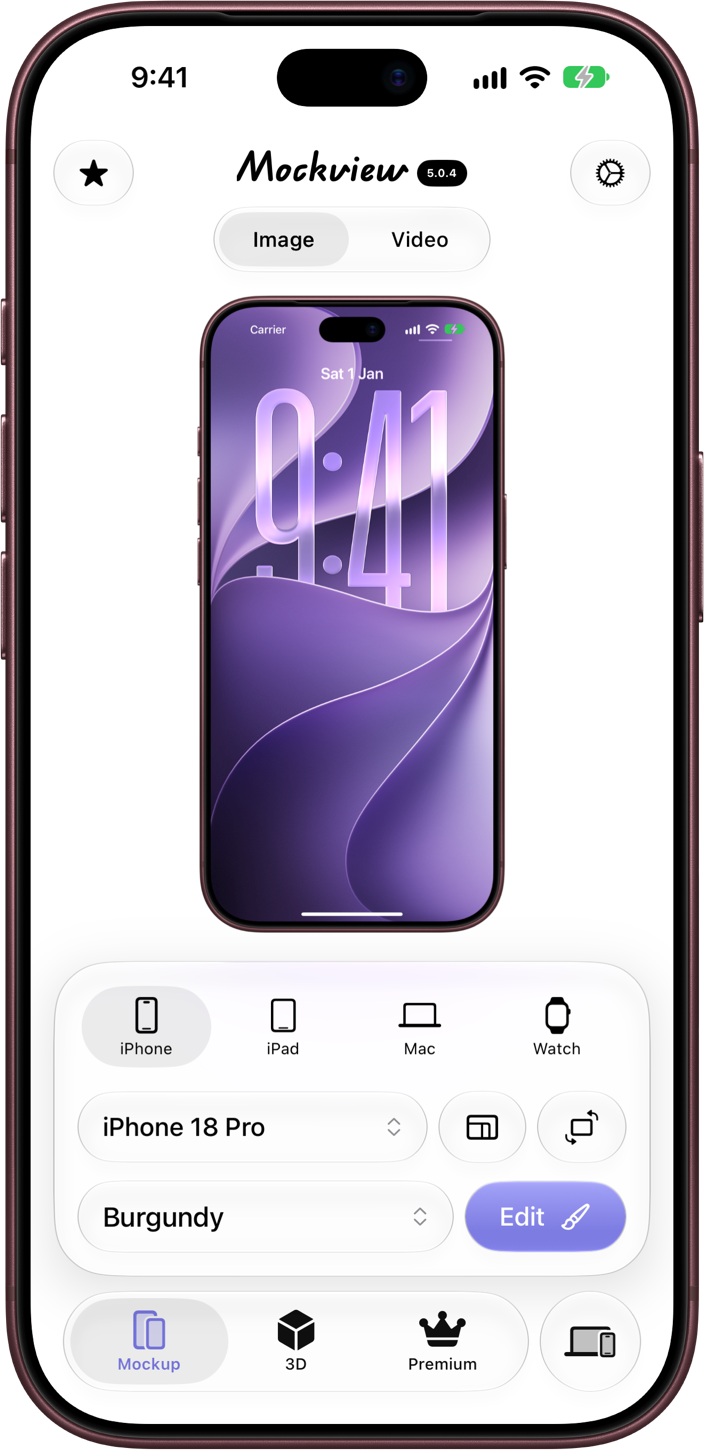
Colours and layouts
Pick the device colour and layout that match your style.
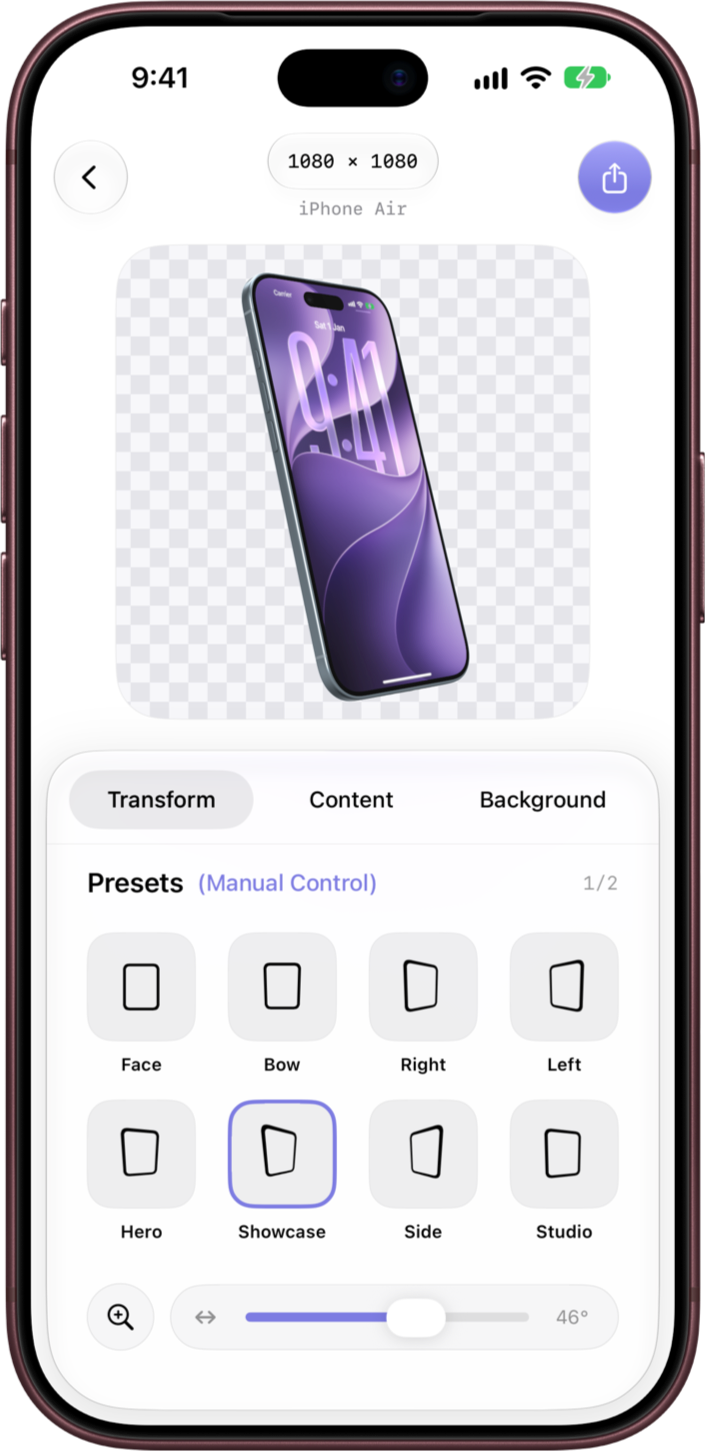
3D, at any angle
Turn a flat mockup into a 3D scene and set the exact angle you want.
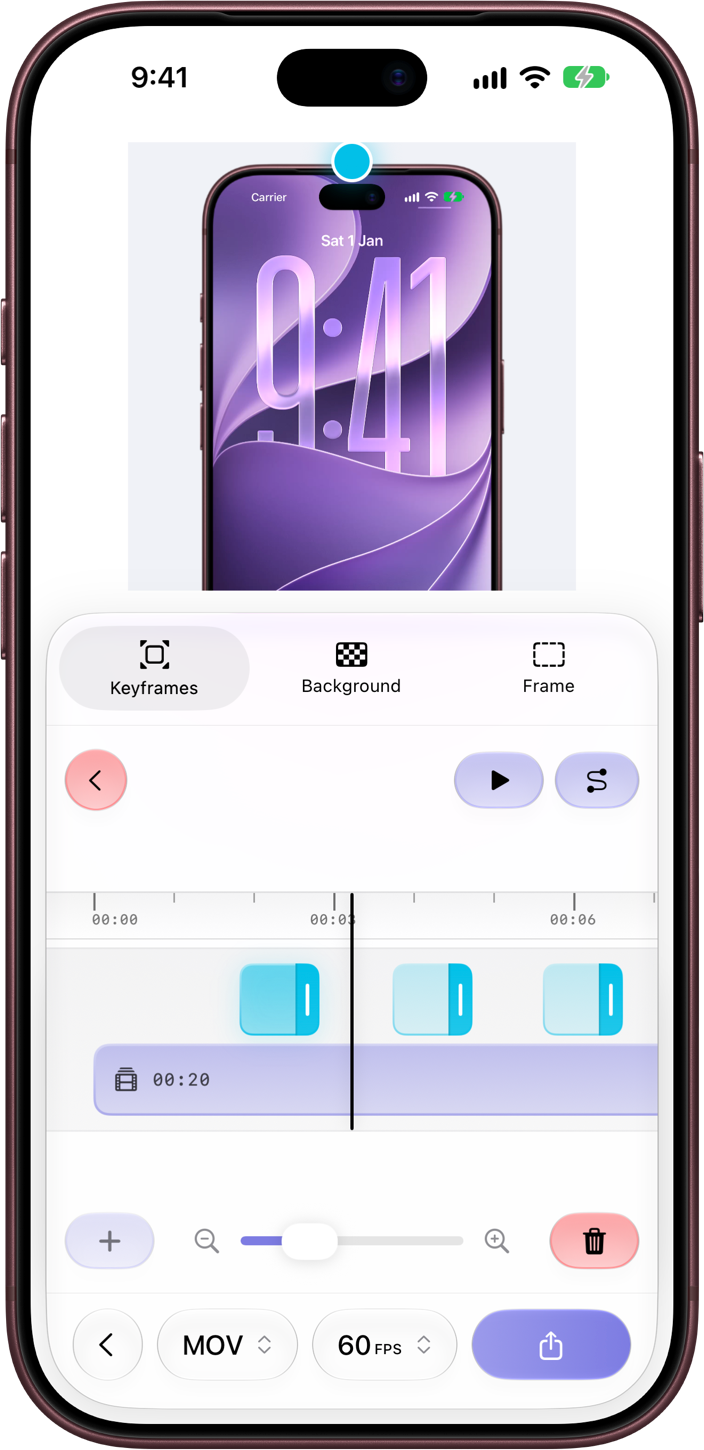
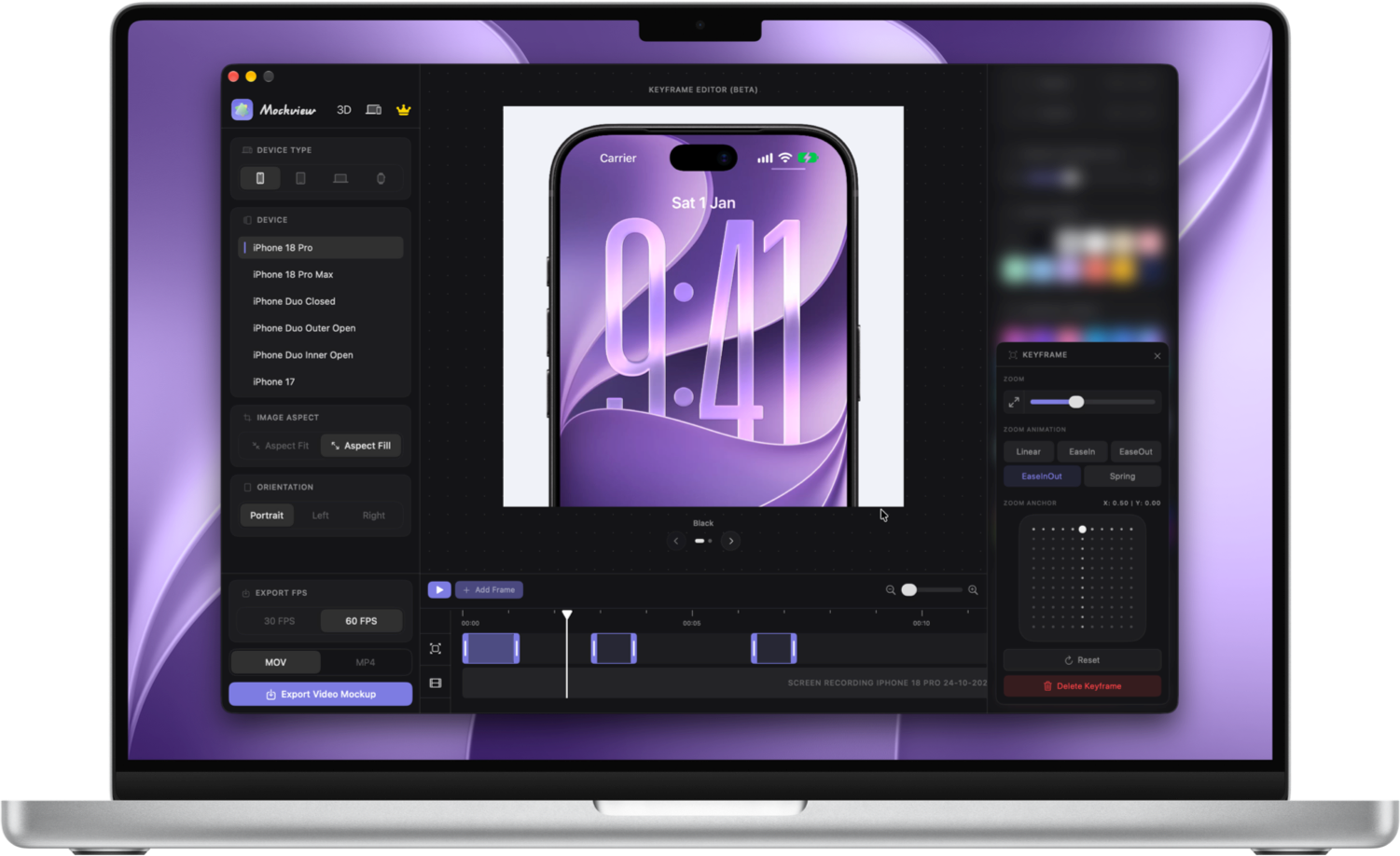
Keyframe animations
Bring video mockups to life by animating them with keyframes.
Also at home on your Mac.
One purchase works on iPhone, iPad and Mac.
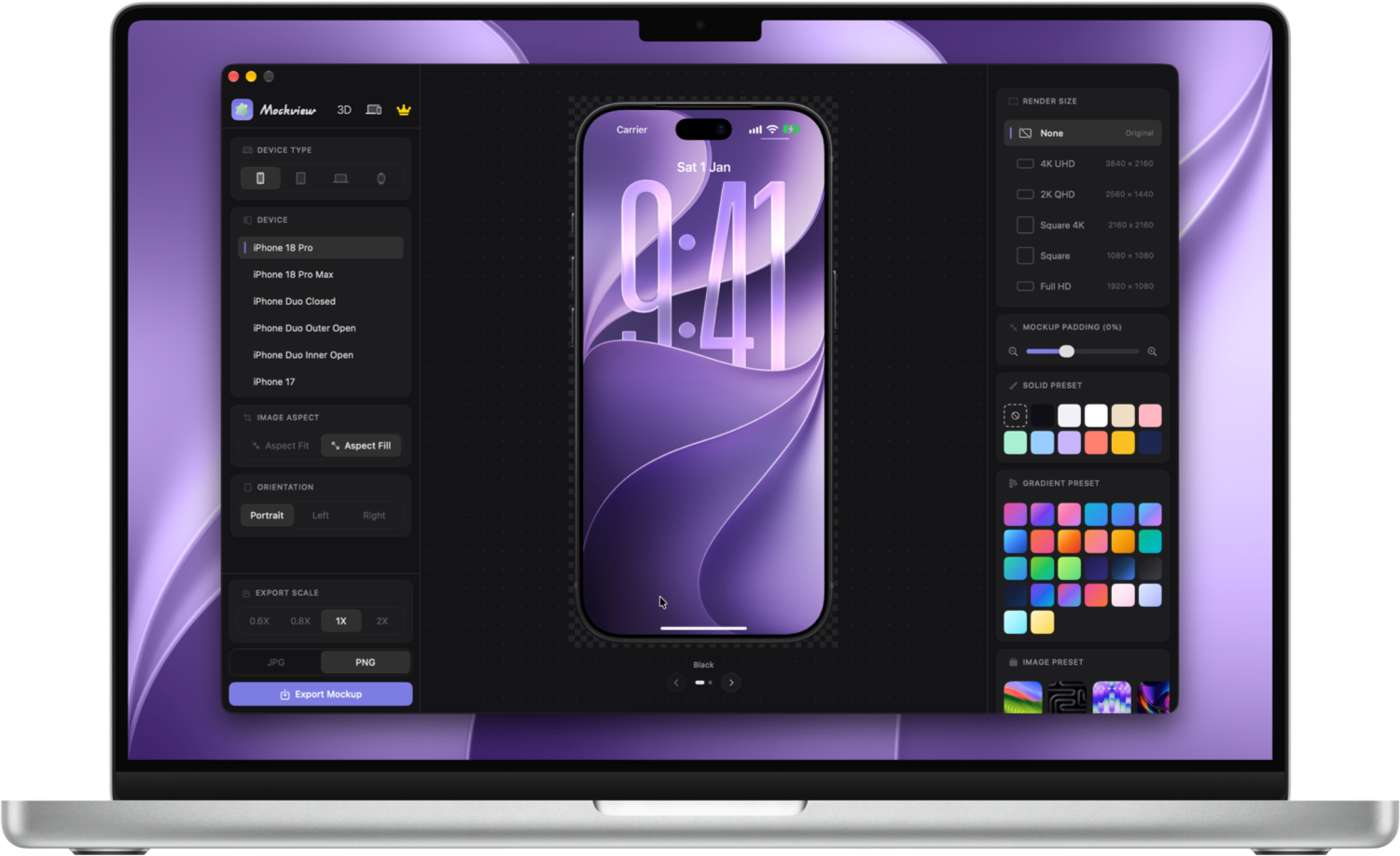
Every mockup is made right on your iPhone, iPad or Mac. Your photos and videos are never uploaded.
Free to start. Pro when you're ready.
Free
$0
Free to download and use.
- Make image and video mockups
- Watermark on exports
- Standard quality exports
Pro
$8.49/ year
No watermark. High Quality exports.
- Everything in Free
- No watermark
- High Quality exports
Prices in USD and may vary by region.
All purchases are handled securely by Apple through the App Store.
Drop in a screenshot. Pick a device. Share something beautiful.